A Life That Fits · Email signature
Paraag Amin
Press copy, then paste into Gmail. The main signature goes on new emails; the short one goes on replies and forwards.
Main signature
|
||
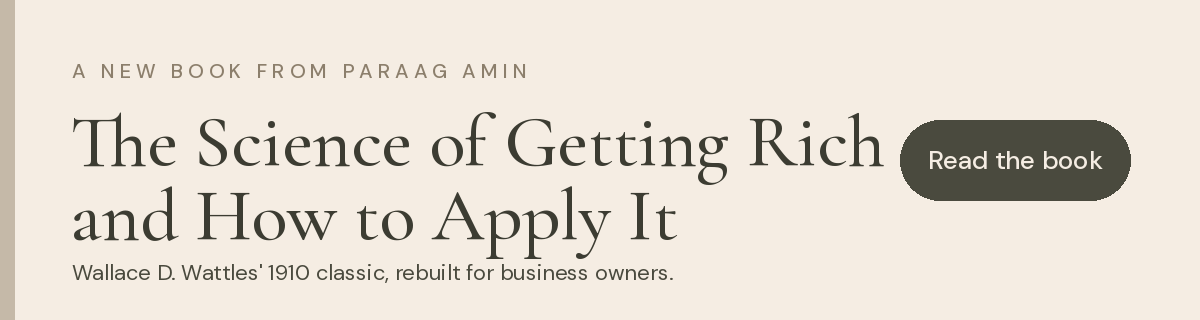
| READ THE BOOK|START THE DIAGNOSIS | ||
 |
||
| This email and any attachments are confidential and intended only for the named recipient. If you received it in error, please let the sender know and delete it. |

 Website
 LinkedIn
 Instagram
Reply and forward
 |
Paraag Amin · Private Mentor, A Life That Fits · alifethatfits.today |
Add it to Gmail
- In Gmail on your computer, click the gear icon, then See all settings.
- On the General tab, scroll to Signature and click Create new. Name it ALTF main.
- Click inside the box and paste (Cmd + V on Mac, Ctrl + V on Windows).
- Create a second one called ALTF reply and paste the reply signature.
- Under Signature defaults, set For new emails use to ALTF main and On reply/forward use to ALTF reply.
- Scroll to the bottom and click Save Changes. Send yourself a test email.
Images are hosted on alifethatfits.today, so they load wherever the email is read.